Documentation
Code Editor
Write PHP and JavaScript with syntax highlighting
The code editor doesn't edit text files — it edits methods. You select a file and a method from the navigation bar, and the editor shows that method alone. What you type is parsed into statements and clauses as you write, which is what lets AI (and the platform itself) address, run, and modify your code at the level of a single line instead of a whole file.
Day to day it feels like a normal editor — syntax highlighting, autocomplete, keyboard-driven — but the structure underneath changes a few workflows, which this page covers.
Directories and Files
Files live in directories that mirror a Laravel project — Controllers, Models, Services, Middleware, plus a js directory for Vue components. Create files and directories from the file dropdown in the navigation bar; when you create a file you pick its type (controller, model, middleware, class, or Vue component), which sets its namespace and where it lands on export.
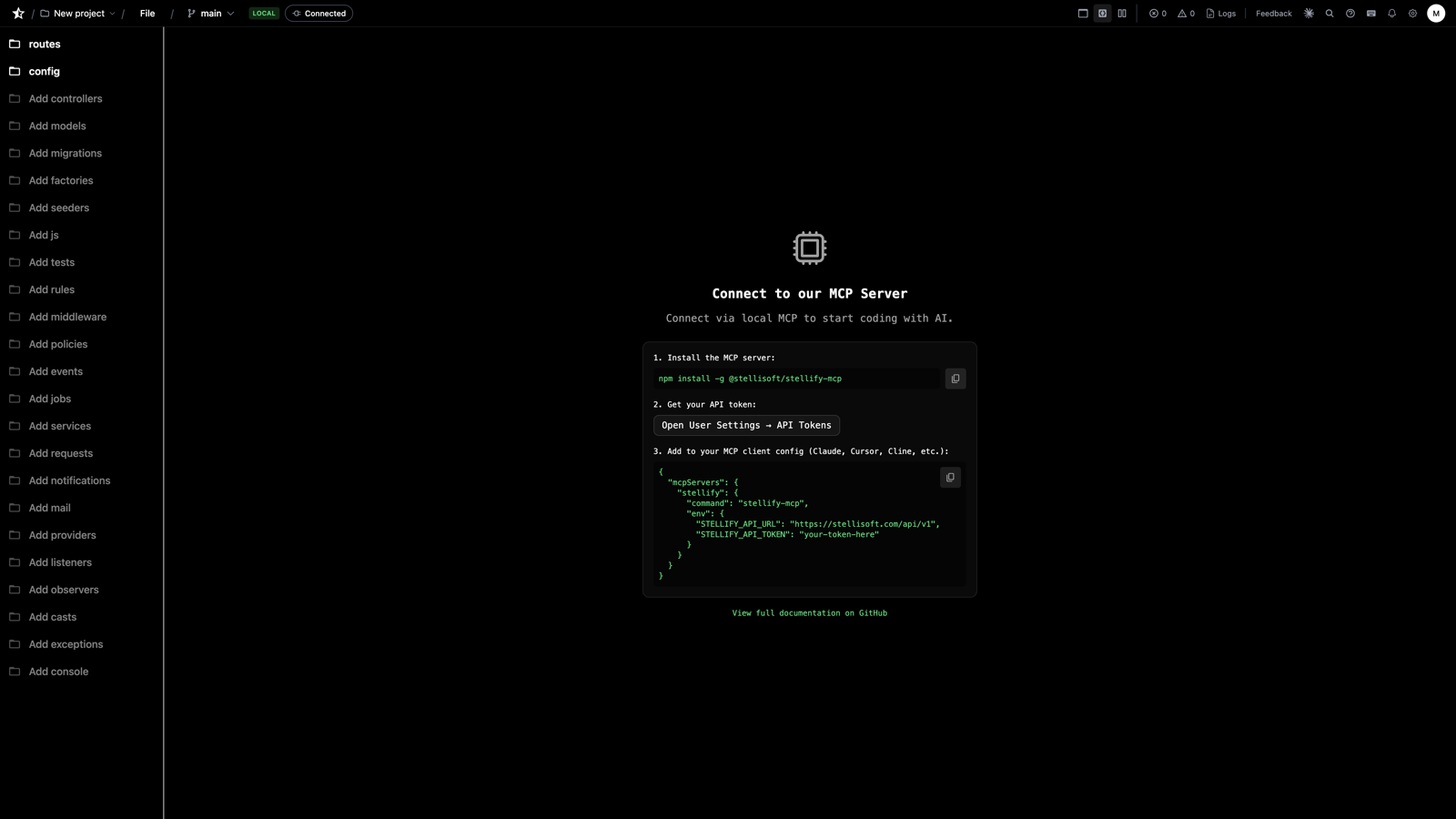
For a full CRUD stack, don't create files one by one — use Create Resources in the file dropdown (or ask the agent) to generate the Model, Controller, Service, and Migration together, pre-wired.
Methods
Add a method from the method dropdown, then click the cog (⚙️) on the signature to set its name, parameters, visibility, and return type. The signature is structured data — the method dropdown displays every method with its return type, and exports render the exact typed signature you configured.
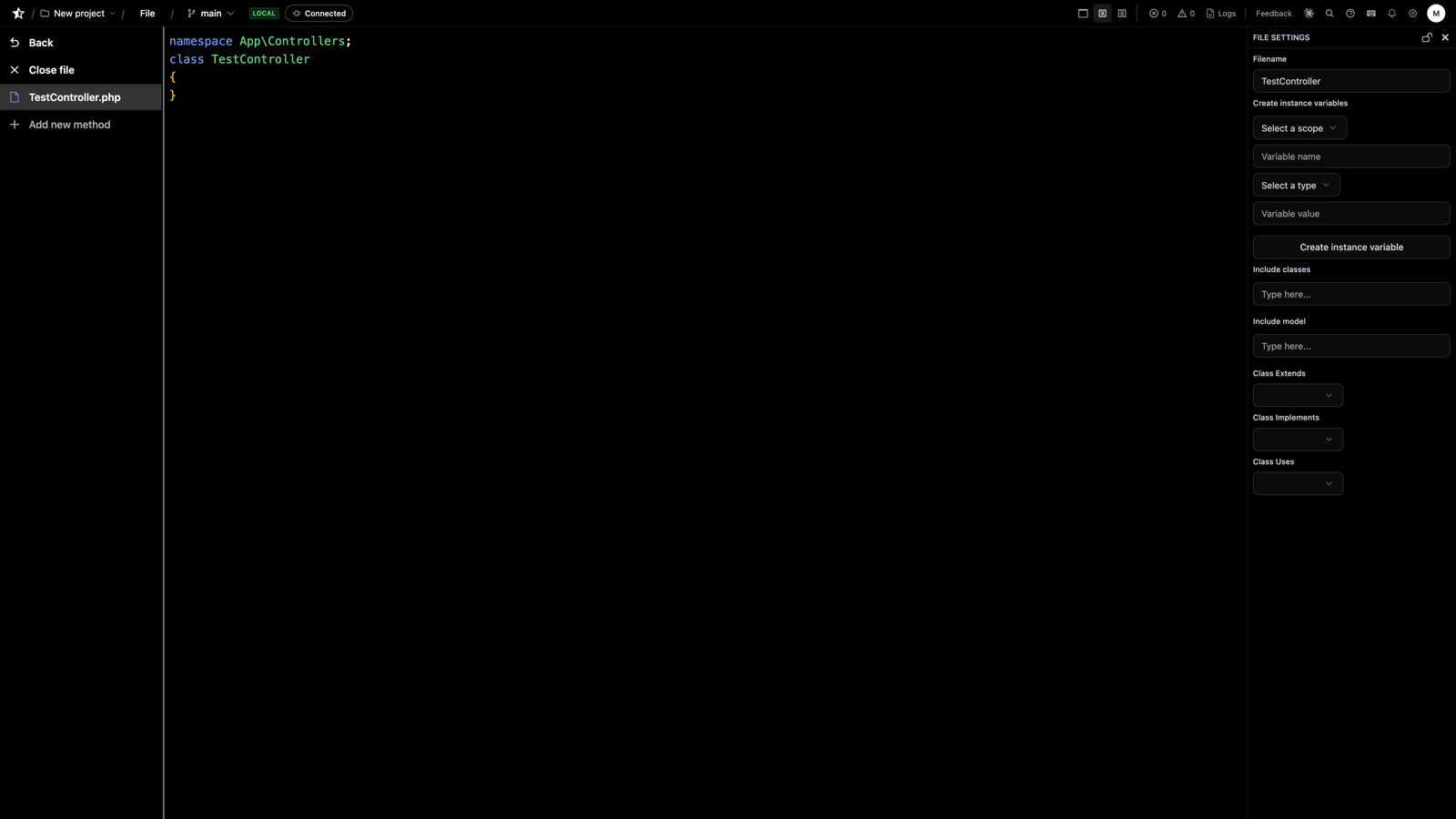
Write the body as you normally would:
Each line you write is stored as a statement with its own identity. That's why an agent asked to "add a null check to store()" adds exactly one statement — it isn't rewriting the file and hoping the diff is small.
File-Level Statements
Imports, class properties, and constants are statements that belong to the file rather than a method. Add them from the file view; they render above your methods.
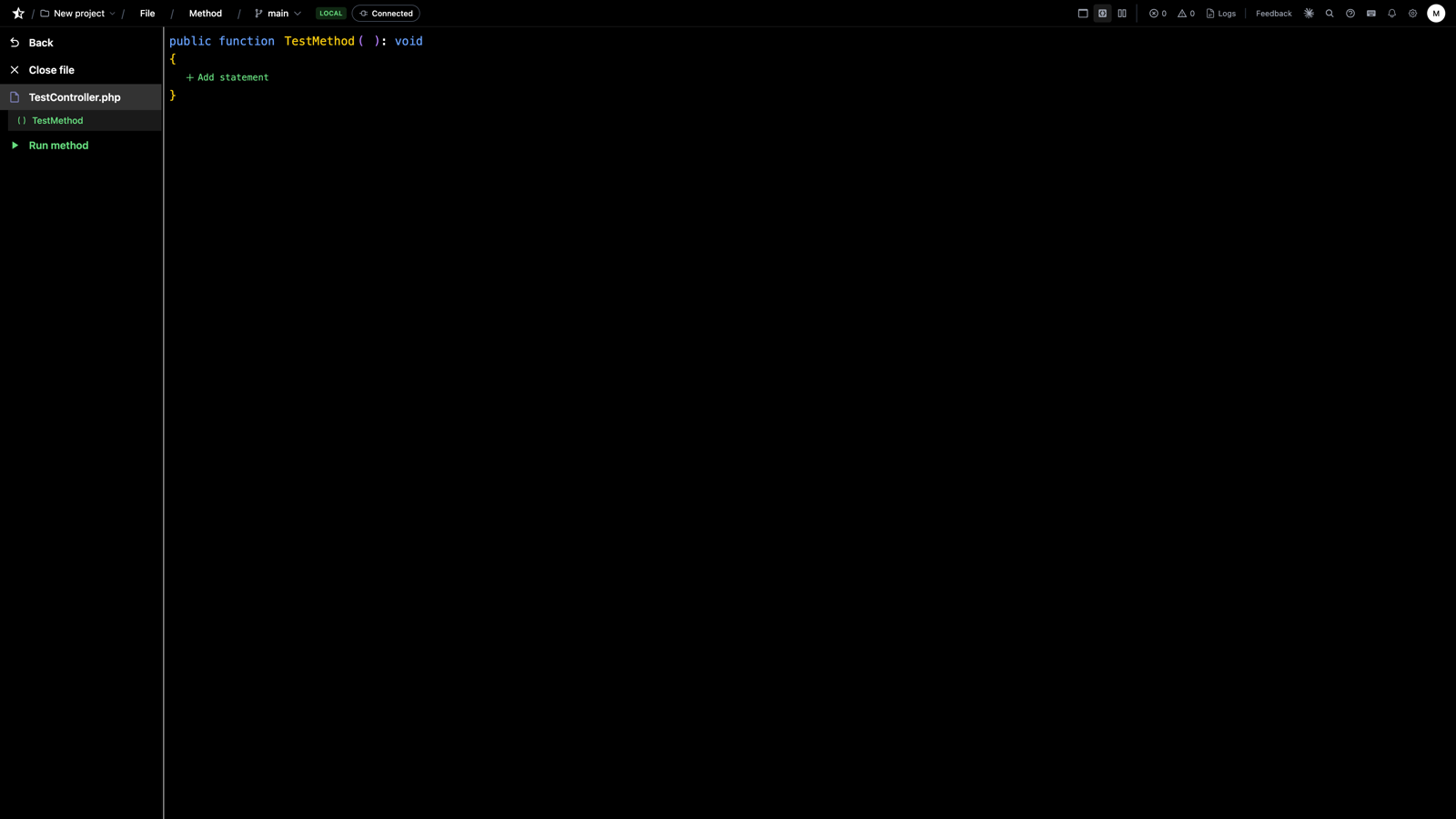
One thing to know: use statements only resolve for classes registered with the platform. If an import doesn't resolve, the class may need a capability enabled — or a capability request if it isn't supported yet.
Autocomplete
As you type, suggestions appear scoped to where you are: the method's parameters and local variables, class properties, model attributes, and importable classes from your enabled capabilities. Because the editor knows the actual structure — not just nearby text — suggestions are drawn from what genuinely exists in your project.
Navigate with ↑/↓, accept with Tab or Enter, dismiss with Esc.
Running Methods
Click Run on any method to execute it against your project environment — no route, no HTTP client, no dump statements. Provide the input as JSON, get the return value back:
This is the same execution path agents use via run_code — write a method, run it, fix it, run it again, all without leaving the editor. Schema changes are the one exception: migrations run through the migration runner in database settings, not here. Test files get their own runner too — every test in the file executes and reports individually, wrapped in a transaction that rolls back so your data is untouched.
Bundling JavaScript
With a JavaScript file selected, the file dropdown offers two ways to bundle:
Bundler service (recommended). Run the Stellify bundler service locally or on a server, point your project settings at it, and choose Bundle with Service. It's esbuild under the hood — fast, production-grade output.
ESM bundler. Choose Bundle with ESM to bundle in the browser with no setup. Slower, but fine for quick iteration before you've stood up the service.
Next Steps
- Interface Builder - The visual side of the same structured model
- The MCP Server - Let agents drive these same operations
- Exporting Code - How structured code becomes standard files
- Previous
- Navigation
- Next
- Interface Builder