Documentation
User Settings
Overview
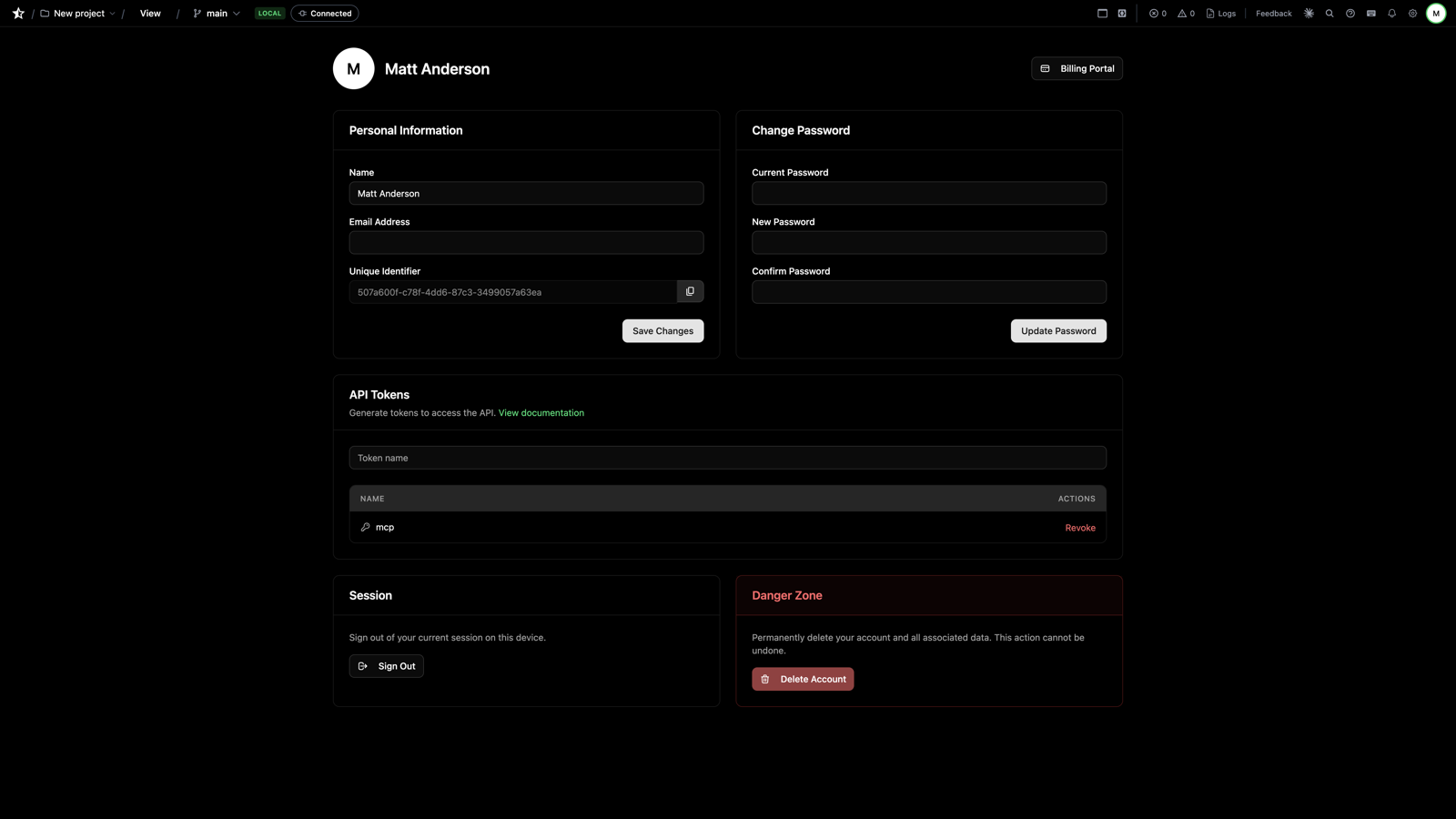
User Settings holds everything tied to your account rather than a single project. Open it from your profile icon in the top navigation.
API Tokens
The section you'll visit first. API tokens are how anything outside the browser talks to your Stellify account:
- The MCP server — Claude Code, Cursor, and other agents authenticate with this token
- CI/CD and integrations — script exports and other API operations
Click Create New Token and copy it immediately — it's shown once. Generating a new MCP token revokes the previous one, so update your editor's MCP config when you rotate.
Profile
Name, email, and avatar.
Preferences
Editor behavior: dark mode, auto-save, font size, tab size.
Subscription
Your plan, billing, and invoices. Subscription level determines branch limits, collaborator seats, and access to features like embedding and library submission.
Account Security
Password and two-factor authentication.
Next Steps
- The MCP Server - Put that API token to work
- Project Settings - Per-project configuration
- Previous
- Project Settings
- Next
- Working with AI